
Batch encryption
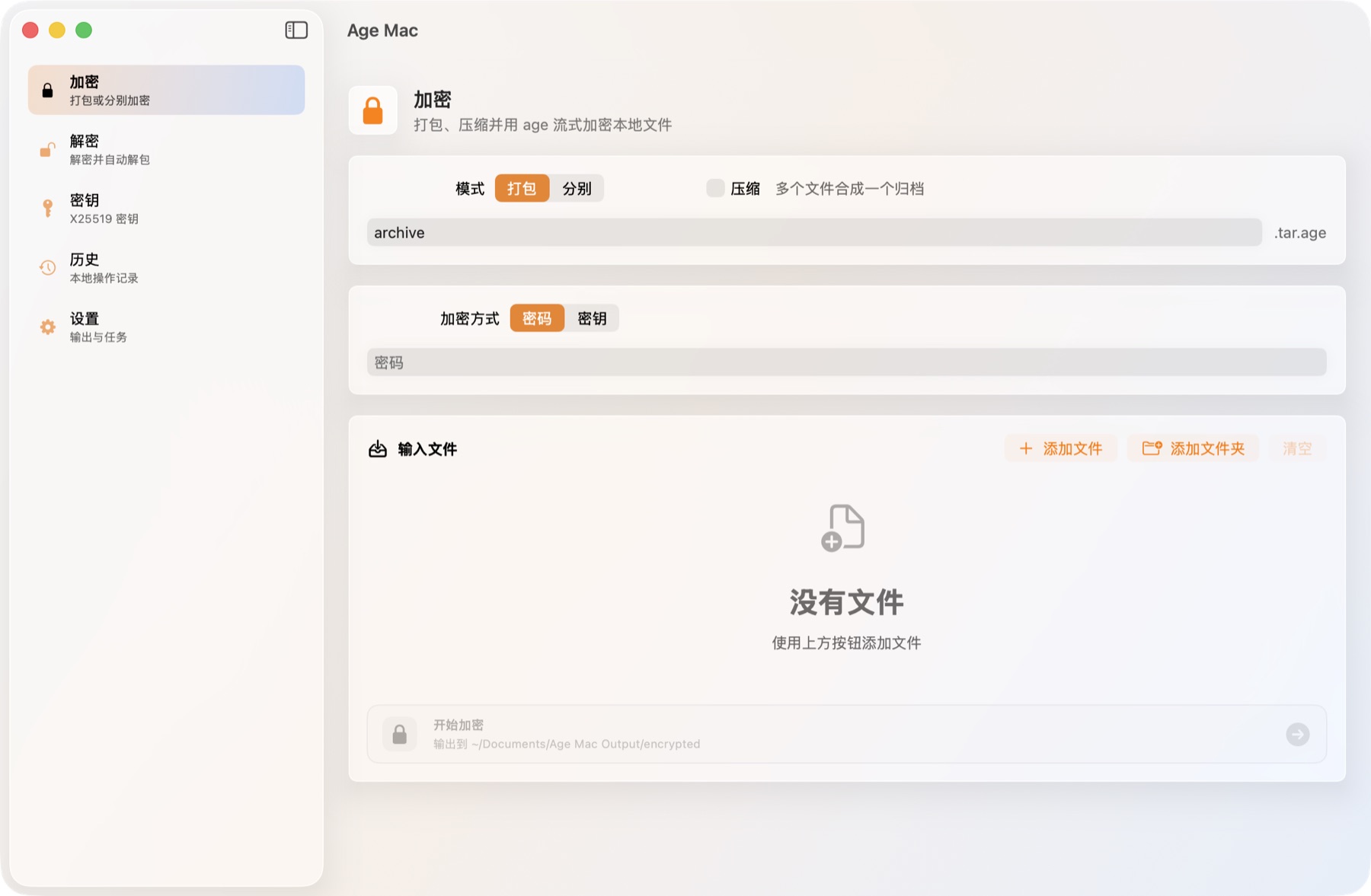
Combine selected files into one archive or encrypt each file separately with passphrases or X25519 recipients.
Latest release 1.4.0
Encrypt folders, decrypt archives, manage age keys, and keep every secret on your Mac with a native SwiftUI desktop app.
What it does
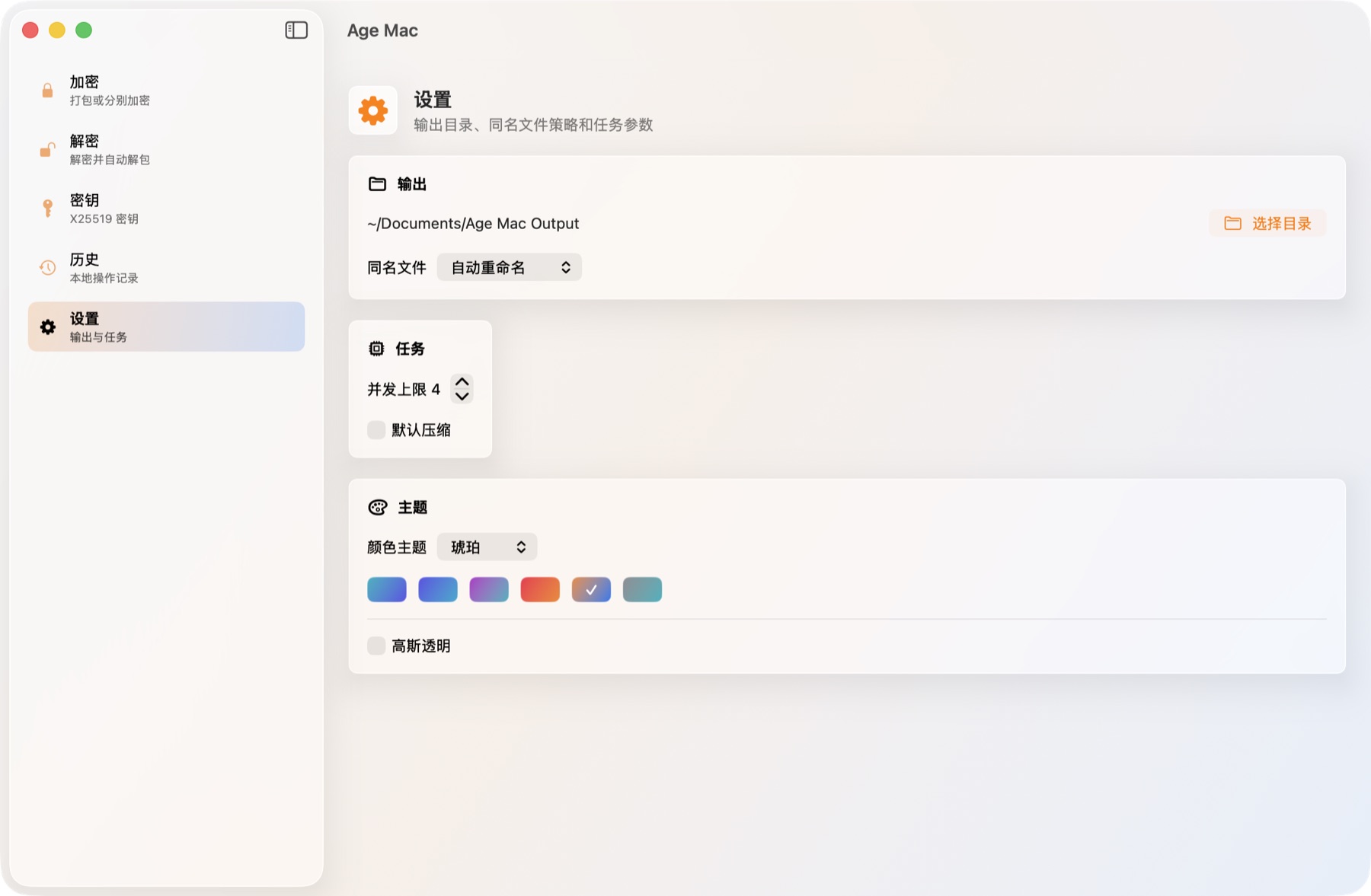
Age Mac pairs a native macOS interface with a local Go age engine, so large file work stays streamed, visible, and under your control.
Combine selected files into one archive or encrypt each file separately with passphrases or X25519 recipients.
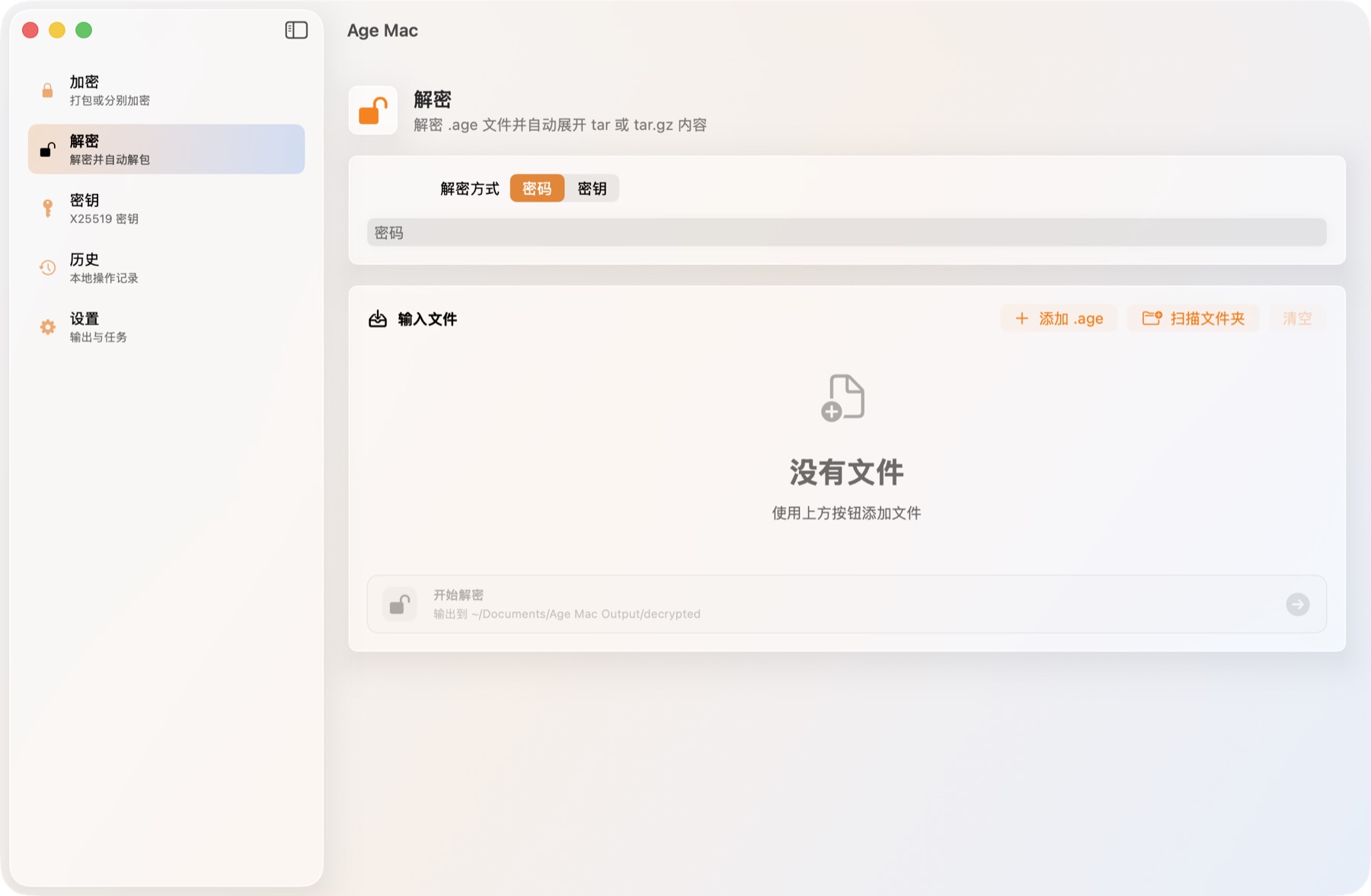
Decrypt .age files and automatically expand tar or tar.gz content when the output can be safely restored.
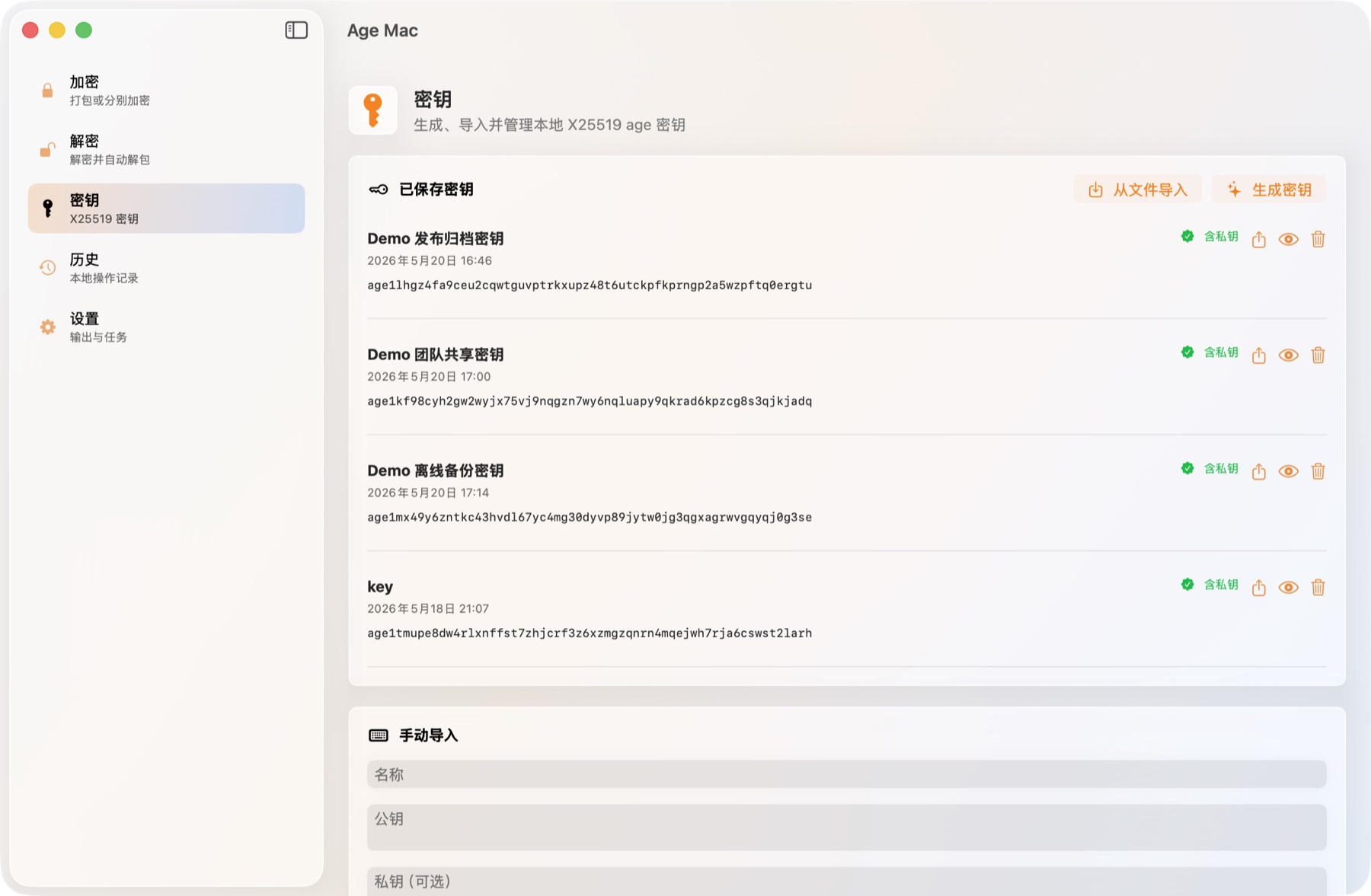
Generate, import, rename, view, and export age keys. Private key material is stored in the macOS Keychain.
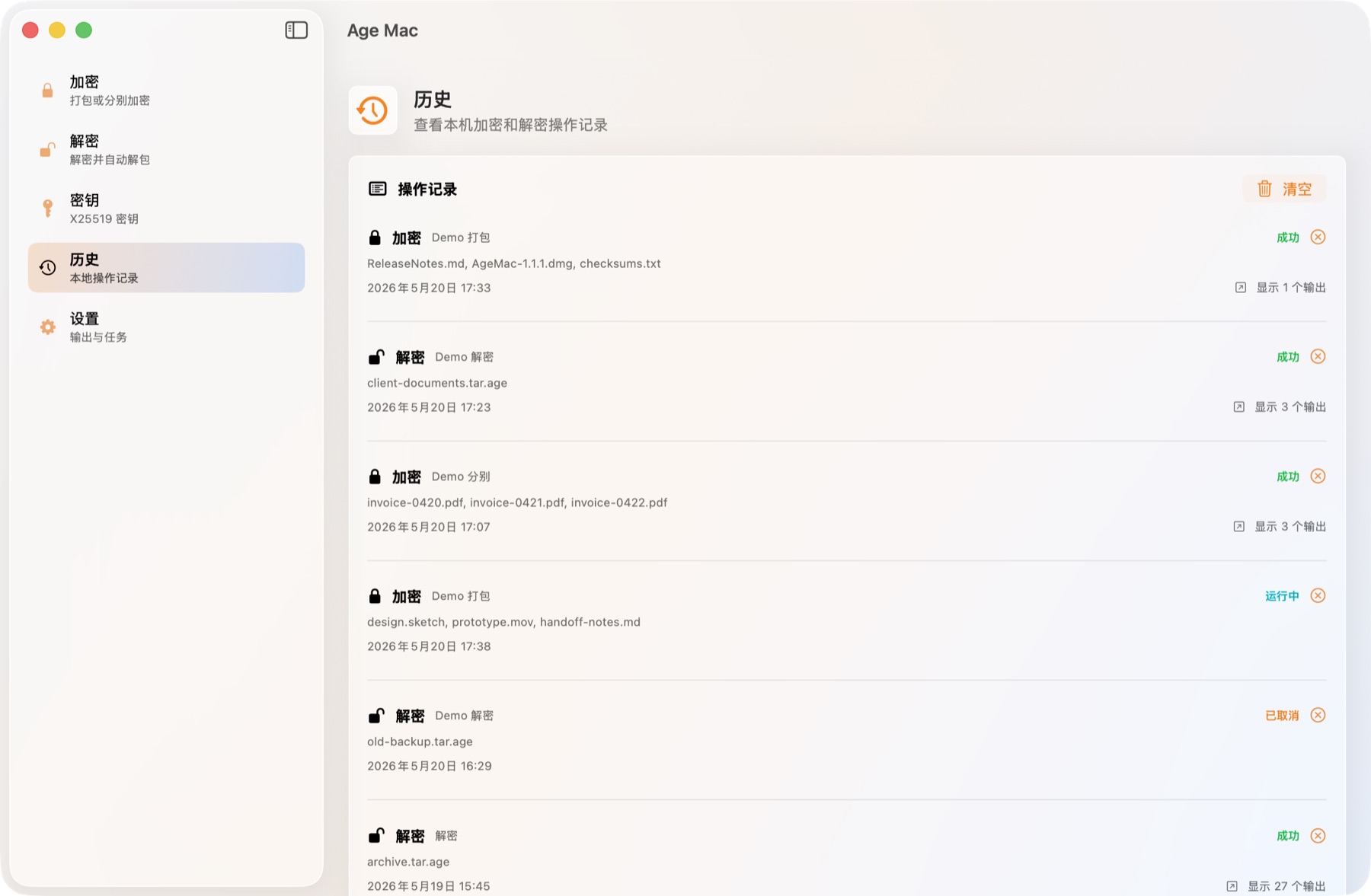
Progress, detailed history, output counts, and Finder reveal actions make long-running file operations easier to audit.
Desktop-native flow
The app uses familiar macOS windows, sidebars, toolbars, file panels, keyboard shortcuts, and Finder navigation instead of a web-style upload flow.
Local privacy boundary
Age Mac does not upload files, telemetry, keys, passphrases, or operation history. History stores safe key-name hints, truncated public-key previews, and private-key fingerprints, never passphrases or private key material. Sparkle update checks read only public appcast metadata.
Read privacy policyLatest version
This release enriches local operation history with safe key-name hints, compression and duplicate-policy details, and updates the bundled age library to 1.3.1.
Screenshots
These screens use local demo data and show the real SwiftUI app surfaces across encryption, decryption, keys, and history.
Download
Universal is the easiest choice for most users. Architecture-specific builds are smaller and match Apple Silicon or Intel machines directly.